TickerEyes on every screen you use.
Open it in the browser, install it as a web app, or get the Windows or Android build. 7 days of Pro free: sign in with Google or an email code, no card.
New here? Take the tour — five narrated minutes through every screen.
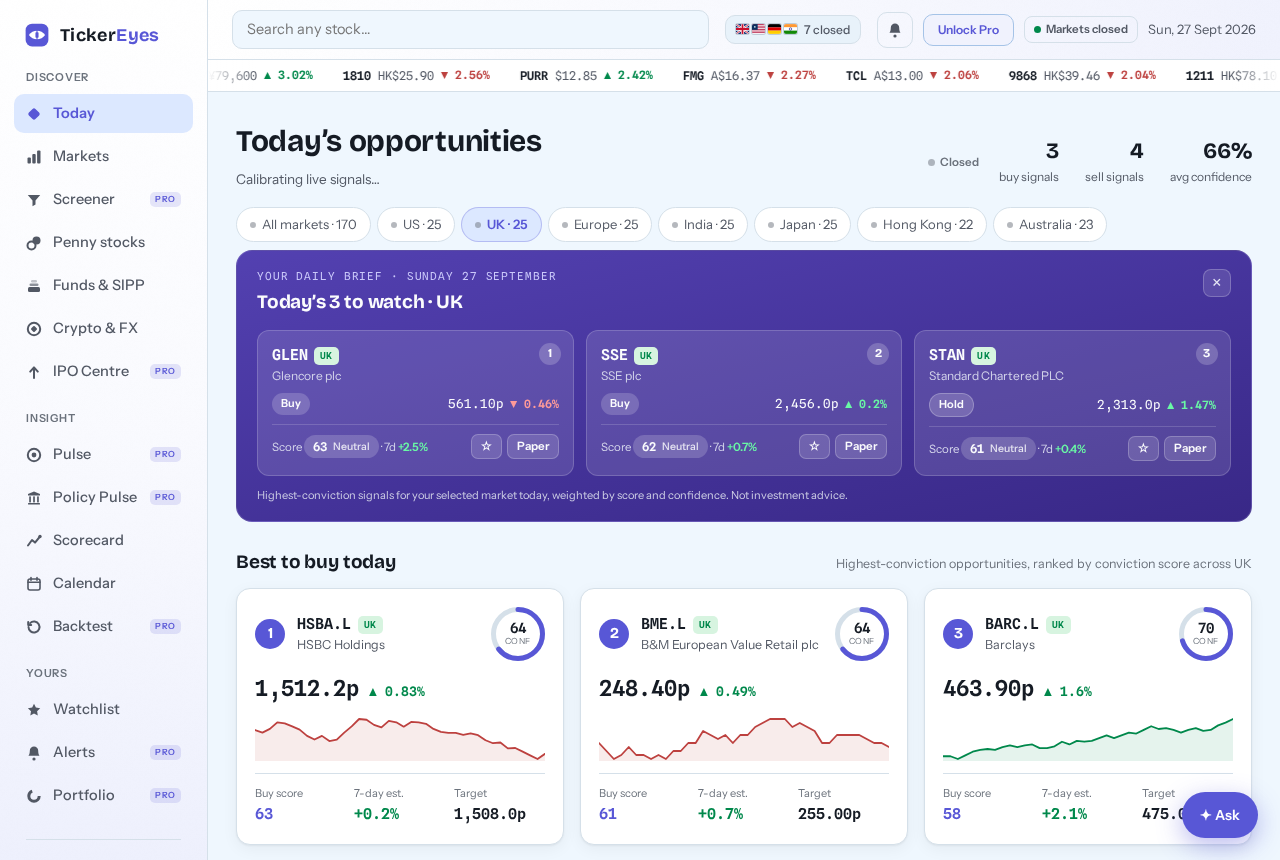
Web app
ANY DEVICENothing to download, and nothing to approve. The browser version is the full free tier.
 TickerEyes

Windows installer
WINDOWSA native desktop build with its own window and a Start-menu entry.

Android APK
ANDROIDA direct APK for sideloading.
Questions? Ask the in-app assistant (✦ Ask) or email support@tickereyes.com. Guides: Learn hub.
TickerEyes offers market insight and analysis to support your own research — not personal investment advice. Market data is delayed, and as with all investing, your capital is at risk. Windows and Android builds are distributed directly by TickerEyes, so your browser or device may show a routine prompt when installing an app from outside a store.